01
Original profileFree project
Package your LinkedIn profile
Your profile in 10 styles. Made with Claude Code or Codex.
Watch on YouTube13:45 long
Kayla Bautista
Preview styles
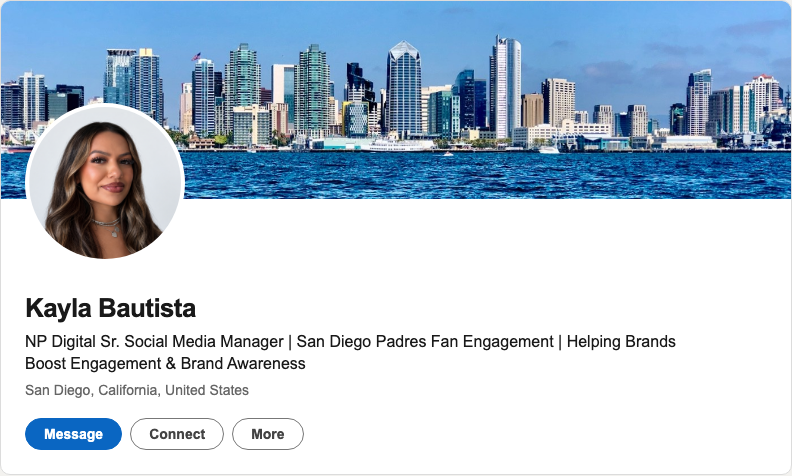
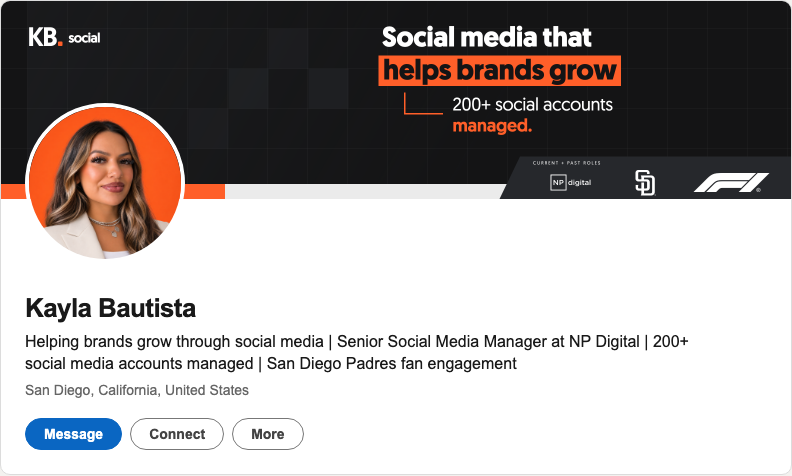
Headline & full-size preview
Helping brands grow through social media | Senior Social Media Manager at NP Digital | 200+ social media accounts managed | San Diego Padres fan engagement
Open full-size preview ↗Emily Wittig
Preview styles
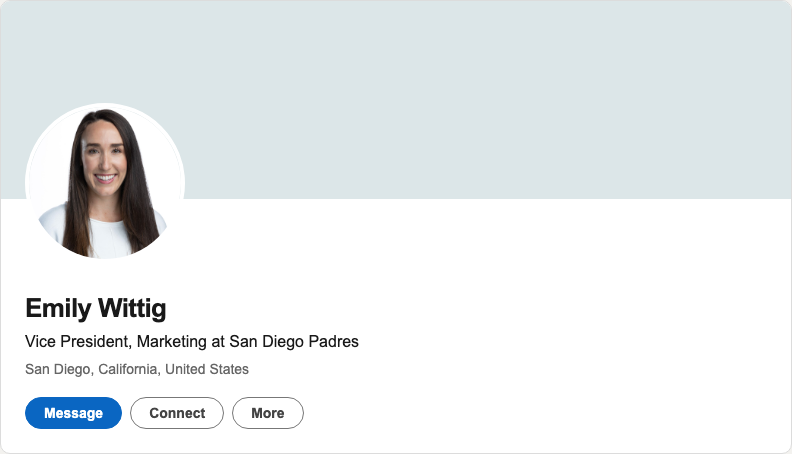
Before: neutral cover; original banner unavailable.
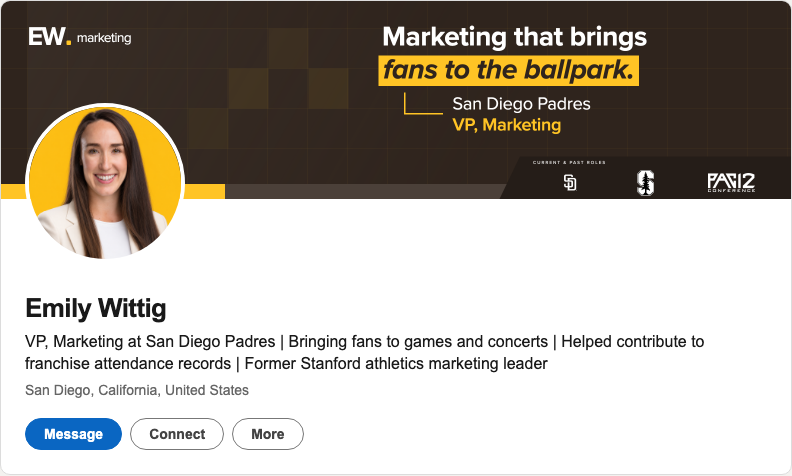
Headline & full-size preview
VP, Marketing at San Diego Padres | Bringing fans to games and concerts | Helped contribute to franchise attendance records | Former Stanford athletics marketing leader
Open full-size preview ↗From download to your new profile.
1Open the folder in your agent
Unzip the download. Open the folder as a local project in Codex or Claude Code.
2Connect your three API keys
First, paste this into your agent:
Create .env from .env.example in this project's root folder if it doesn't exist, and open it for me. Preserve existing values. I'll paste my API keys there. Don't display keys in chat or logs.
Sign up or log in to each service, then get your key:
- Kie AI
Image and copy generation
In API Key Management, create a key and copy it.
- Apify
LinkedIn profile research
In API & Integrations → Personal API tokens, click + Create a new token, then copy it.
- Firecrawl
Website and branding research
In API Keys, create a new key and copy it.
In the local
.envfile besideREADME.md, replace each placeholder after=with its matching key:KIE_AI_API_KEY=your_key APIFY_API_KEY=your_token FIRECRAWL_API_KEY=your_key
Save as
.env(not.env.txt). Paste keys only in that local file, never on this page or in chat. Provider usage may cost extra.- Kie AI
3Paste your brief
Replace the brackets with your details and attach your photo.
Use this project to create my LinkedIn packaging.

LinkedIn: [profile URL]
Website: [URL, if any]
Branding: [logo, colors, fonts, or use my website]
About me: [what I do, who I help, and real results]
Photo: [attach a clear photo]

Handle setup and generate all 10 styles using my branding. Show all 10 together in a localhost preview, alongside my original profile when available, so I can pick my favorite. Refine my choice from my feedback, then give me the banner, portrait, headline, and editable source files.
4Pick your favorite, then refine
Open the preview link your agent gives you (localhost). Compare all 10 styles, pick your favorite and request changes in the same chat. Download your upload files and editable sources from the preview.
The inspiration
10 profiles behind the styles
These are the references. The project adapts their styles to your profile and branding.
02
Original profileDiandra Escobar
03
Original profileLara Acosta
04
Original profileMatt Gray
05
Original profileAdrian Kuleszo
06
Original profileChris Donnelly
07
Original profileRob Hoffman
08
Original profileJake Ward
09
Original profileCharlie Hills
10
Original profileLiam Karlsson
Previews reconstructed from saved original banners, portraits and headlines. Live profiles may have changed.